
Virtual Nol Card | Create, Recharge & Benefits
Last updated on January 24th, 2026
Table of Contents
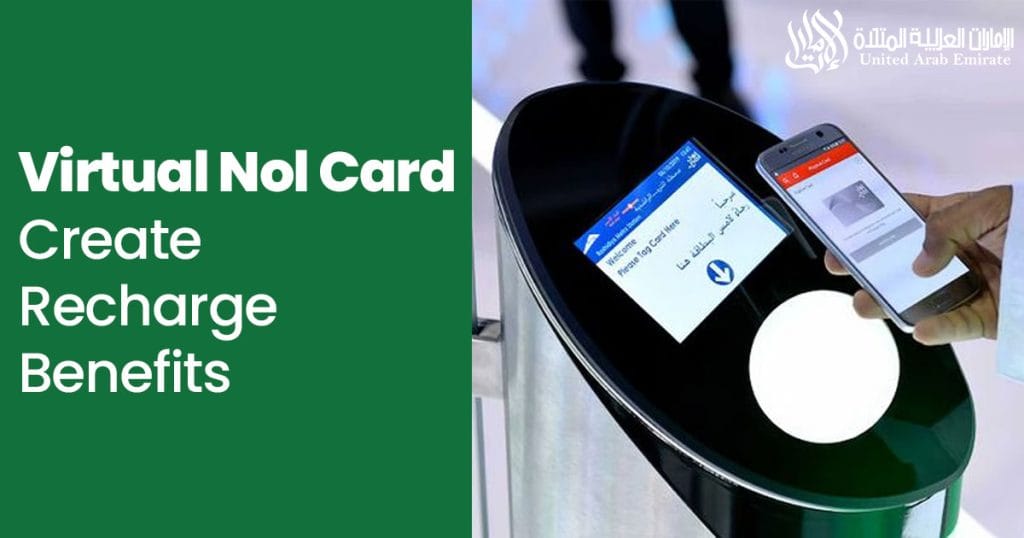
The UAE always tries to stay ahead of the world. The Virtual NOL Card initiative is one of them. This card benefits everyone, whether you’re a resident or a tourist in Dubai. There are limitless possibilities and benefits of this card, covered in this article
Virtual NOL Card Overview
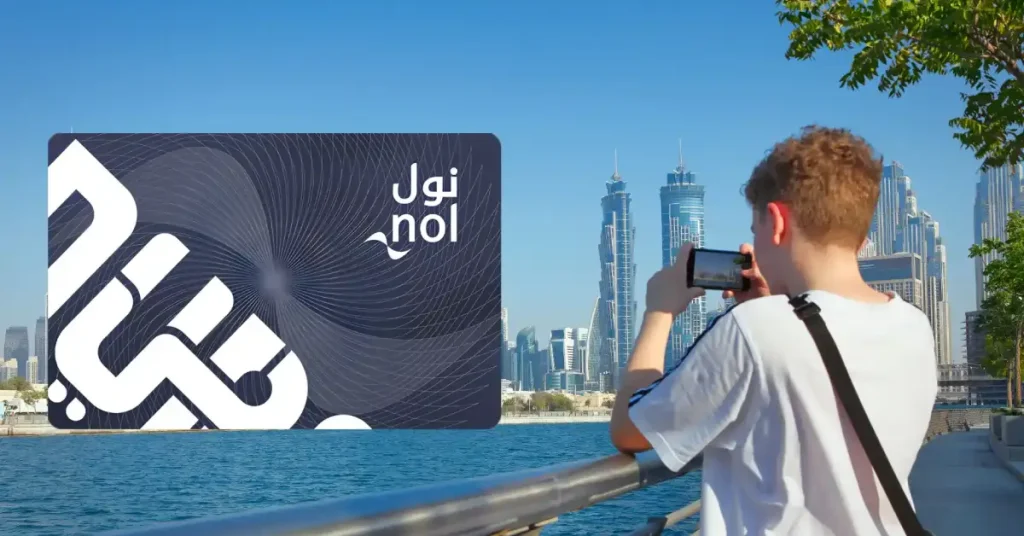
Virtual NOL Card is a digital version of Dubai’s transportation card. It’s offered by the Roads and Transport Authority (RTA), which allows travelers to pay for public transport services (Metro & Tram Stations) using their smartphone instead of a physical card. Like Google Pay & Apple Pay, the physical is paired with mobile, offering the same functionality as a physical NOL card but with the added convenience of mobile access.
Types of NOL Cards
There are currently 5 types of NOL Cards.
- Red Ticket: Disposable, paper-based card for short-term use
- Silver Card: Standard for most commuters
- Gold Card: Same as Silver but with access to Gold Class cabins
- Blue Card: Personalized with extra features
- Virtual Card: Digital version of Silver or Blue card (linked via app)
How to Create a Virtual NOL Card

Creating or signing up for this card is very simple and takes just a few clicks. Simply follow these steps
- Download the RTA Dubai App or Nol Pay App from the App Store (Iphone) or Google Play Store (Android)
- Sign in or create an RTA account (Also Called Virtual NOL Card login)
- Choose the “Create Virtual NOL Card” option
- Enter your personal details and upload your Photo
- Select Card Type, Travel Class, Customer Segment & Card Design as per your need and hit Continue
- Enter your address and Hit Continue
- Review Your Information & Pay the card fee
- Your card will be activated instantly and saved to your phone
Note: This Card is available for use across Dubai, whether you’re a resident or visitor.
How to Recharge a Virtual Card

You can recharge your virtual card anytime using:
- Log in to the RTA Dubai App or the NOL Pay App (official Virtual NOL Card app)
- Select your card and click on Top Up
- Enter your *payment method and pay
- Done
Virtual NOL card online recharge is the fastest and most secure method. These are accepted *Payment methods: Credit/Debit Card, Apple Pay, Google Pay, or Samsung Pay
How to Use a Virtual Card
Once your card is set up properly, using your virtual card is quick and easy:
- Open the RTA app and select your virtual card
- Enable NFC or scan QR code (if applicable)
- Tap your phone on the NOL card reader at Metro, Bus, or Tram stations
- Wait for the beep – you’re good to go!
You can also use the Virtual NOL Card download section in the app to access your card offline.
NOL Physical vs Virtual Card: Which One Should You Use?
| Feature | Physical Card | Virtual Card |
|---|---|---|
| Form | Plastic card | Digital card on smartphone |
| How to Use | Tap the card on the reader | Tap phone with NFC / QR code |
| Recharge | Stored in the device, password-protected | RTA App, Nol Pay App |
| Device Required | None | NFC-enabled smartphone |
| Risk of Loss | Can be lost/stolen | Stored in device, password-protected |
| Convenience | Needs to be carried | Always available on your phone |
| Ideal For | People without smartphones | Tech-savvy users, frequent travelers |
| Security | May require replacement if lost | Safer with phone lock & app PIN |
Conclusion:
- Use a Physical Card if you prefer simplicity or don’t use a smartphone.
- Use Virtual Card if you want speed, security, and no physical clutter.
Benefits of Using a Virtual NOL Card
- Contactless travel: No need to handle cash or cards
- Mobile management: Check balance and track history
- Secure payments: Protected by phone and app security
- Eco-friendly: Reduces plastic use
- Tourist-friendly: Easy to access and manage during short stays
Cost & Fees
- The virtual NOL Card price is very affordable, it just requires a small fee.
- Recharge is flexible, starting from AED 7.5
- No hidden charges if using official RTA apps
Common Issues & Solutions
- NFC not working: Ensure your phone has NFC and it’s enabled
- Recharge not updating: Wait a few minutes or restart the app
- Card not scanning: Try adjusting the phone position on the reader
- Still stuck? Contact RTA customer support at 800 90 90
FAQs
Can I use both NOL physical and virtual Cards?
Yes, but they are treated as separate accounts.
Can I transfer my balance from physical to virtual?
Not currently. You need to top up each separately.
Is the virtual NOL card accepted everywhere?
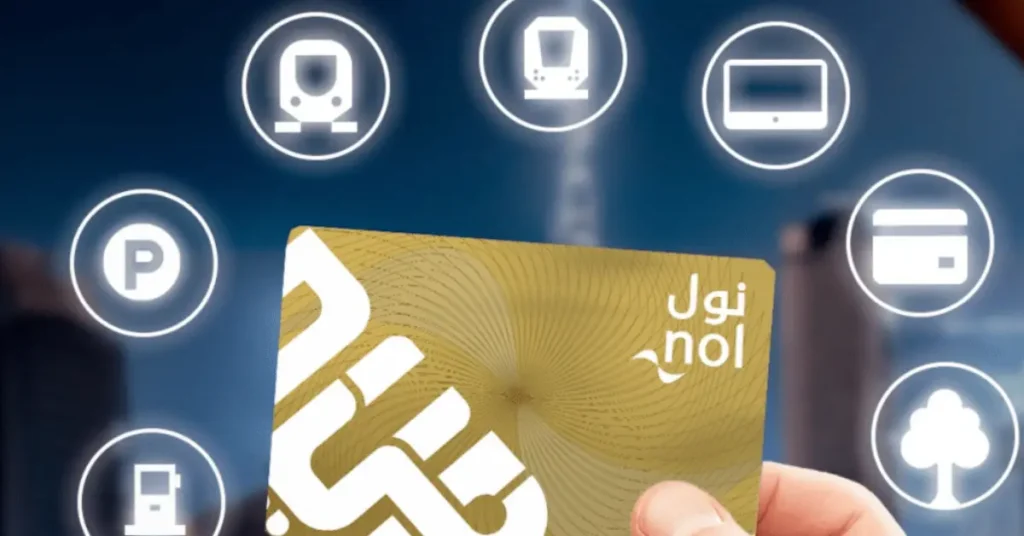
Yes, it works across Dubai Metro, Buses, Trams, Parking, and Water Buses.
How to check the NOL card balance?
Use the RTA app or the Nol Pay app for Nol card balance check. You can also do a balance check with the card number on the RTA website.
Final Thoughts
The Virtual NOL Card is a smart upgrade to traditional commuting. Whether you live in Dubai or are visiting, it makes getting around faster, easier, and more efficient. Set yours up today and enjoy a smoother travel experience with just your phone!
