
FAB Balance Check 2026: Step-by-Step Guide for UAE Residents

Last updated on January 24th, 2026
Table of Contents
If you’re a customer of First Abu Dhabi Bank (FAB) in the UAE, checking your account balance regularly is essential for managing your finances—tracking spending, ensuring sufficient funds for payments, and detecting any unusual activity. This guide will walk you through the various methods available in 2026 to check your FAB account balance.
Why You Should Check Your FAB Balance
Staying updated on your balance helps you:
- Avoid overdraft fees or declined transactions.
- Track your transactions and budget more effectively.
- Detect any unauthorized or fraudulent activity early.
- Maintain awareness of your financial position.
1. How to Check FAB Balance via Mobile App
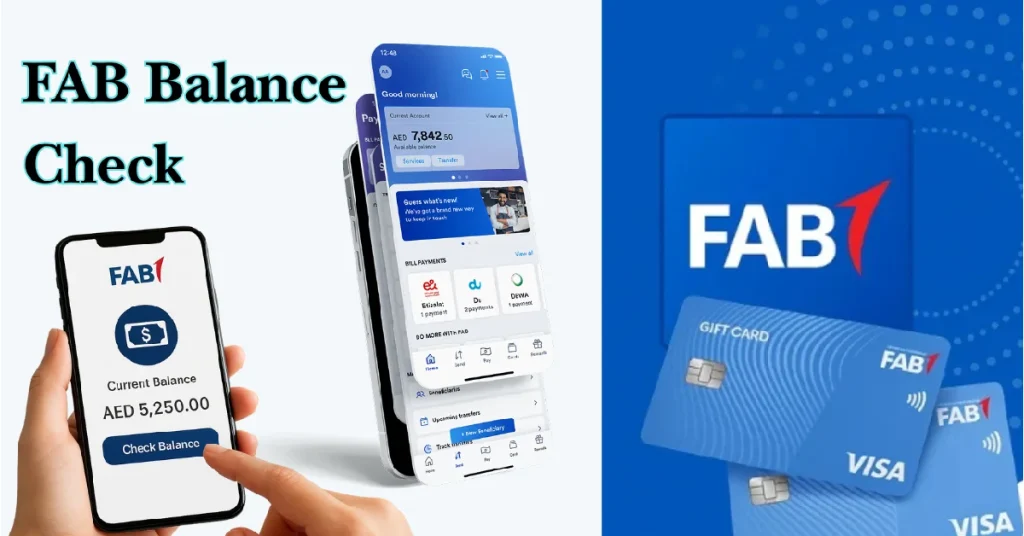
The FAB Mobile app offers a user-friendly, on-the-go option for checking your balance. The app lets you manage your account, check balances, make payments on time, and stay on track.
Steps:
- Download and install the FAB Mobile app from Google Play (Android) or Apple App Store (iOS).
- Open the app and log in using your FAB online banking credentials or register if you are a new user.
- After logging in, navigate to the “Accounts” tab or main dashboard.
- Your available balance(s) will be displayed under your selected account(s).
- Use the app for additional features like transaction history, payments, etc.
This method is convenient for real-time balance checking from your smartphone.
2. Checking Balance via Internet Banking (Web Portal)
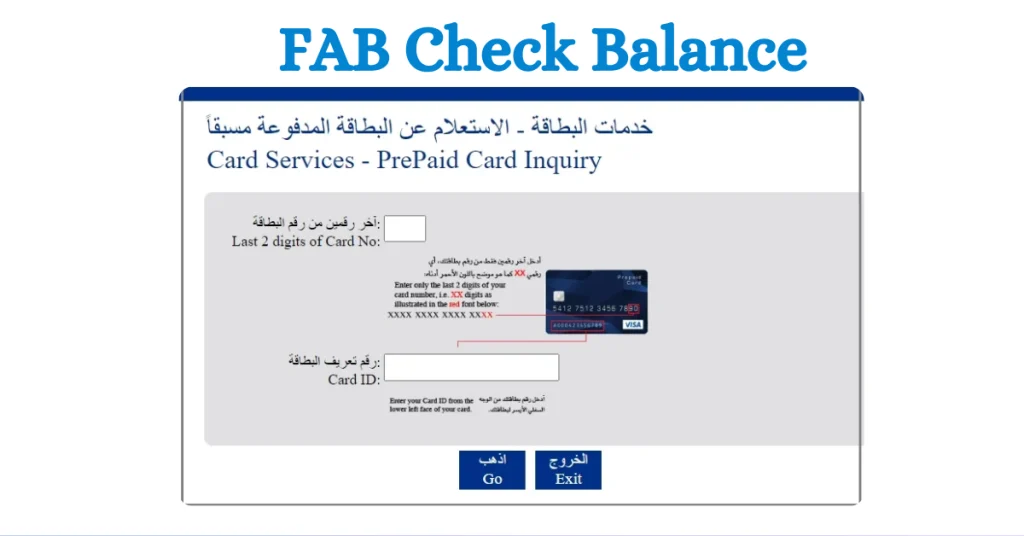
If you prefer using a desktop or laptop, FAB’s online banking portal is another reliable route.
Steps:
- Visit the FAB official website and log in to internet banking.
- Use your login credentials (customer ID and password).
- Once logged in, navigate to the “Account Summary” or “Accounts” section.
- View your current balance and recent transactions.
This option is well-suited for users who manage multiple accounts and prefer larger screens.
3. Check FAB Balance via SMS Banking
For users who might have limited internet connectivity, SMS Banking is available after registration.
Steps:
- Ensure you are registered for FAB SMS Banking (via the app, online banking, or a branch).
- Open your phone’s messaging app.
- Create a new message in the format:
BAL <space> <last 4 digits of account or card>and send to the designated FAB SMS number. - Within seconds, you receive an SMS with your current balance.
This approach is fast, simple, and does not require full smartphone app access.
4. Use FAB ATMs for Balance Inquiry
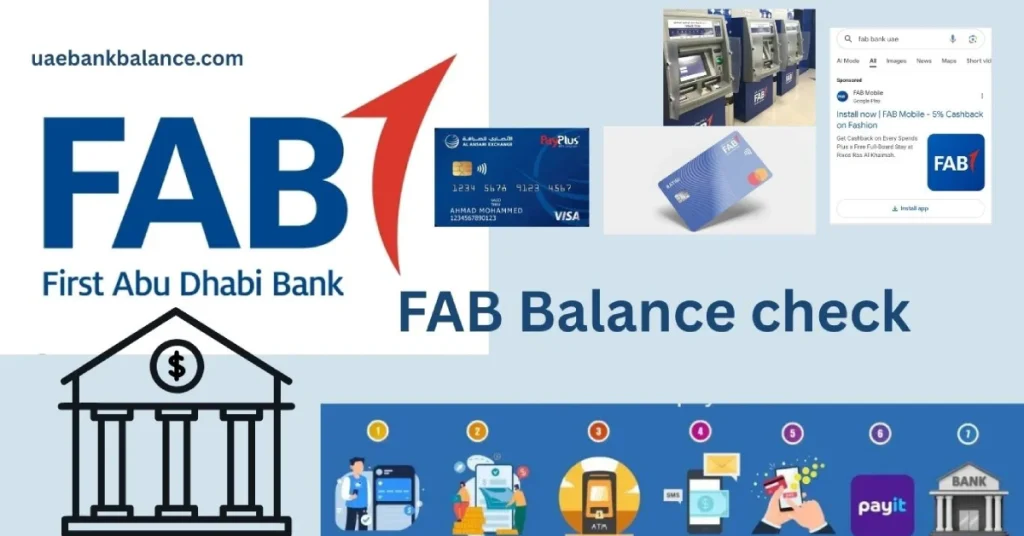
If you’re out and about or prefer the traditional route, you can check your FAB balance at any FAB ATM across the UAE.
Steps:
- Visit a nearby FAB ATM and insert your FAB debit (or credit) card.
- Enter your PIN.
- From the menu, choose the “Balance Inquiry” option.
- Your current balance will be displayed on screen, and you may print a receipt if needed.
This method is useful when internet access is unavailable.
5. Call FAB Customer Service for Balance Inquiry

If you encounter issues with digital methods, you can call FAB customer service for balance information.
Steps:
- Dial FAB’s customer service helpline.
- Listen to the IVR (automated menu) or speak to a representative.
- Provide required account/identity verification.
- The system or agent will inform you of your balance.
This option provides human help but may take longer.
Tips & Things to Watch
- Ensure your mobile number and email are up-to-date in FAB records so you receive alerts.
- Use secure credentials and strong passwords for your digital banking.
- Review your transactions often to spot any unauthorized activity.
- If using SMS Banking, note that standard SMS charges may apply (depending on your mobile operator).
- Visit a branch if you face persistent issues or suspect fraud.
Article you might like: A Step-by-Step Guide: ETISALAT BILL PAYMENT METHODS
Frequently Asked Questions
How can I check my FAB balance online?
You can check your FAB balance by logging into FAB online banking through the official website and navigating to the accounts section to view your balance.
Does FAB have a mobile app for balance checks?
Yes. You can download the FAB Mobile App, log in with your credentials, and view your balance under the Accounts section.
Can I check my FAB balance through SMS?
Yes. If you are registered for SMS banking, you can send the correct balance inquiry format to the designated FAB SMS number to receive your balance.
How do I check my FAB balance at an ATM?
Insert your FAB debit card at any FAB ATM, enter your PIN, and select the “Balance Inquiry” option from the menu.
Can I check my FAB balance by calling customer service?
Yes. You can call FAB customer support and follow the automated prompts or speak to a representative to get your balance after verification.
Do I need internet access to check my FAB balance?
Not always. You can check your balance via SMS banking or at an ATM without needing internet access.
Conclusion
Checking your FAB account balance in 2026 is both simple and flexible thanks to multiple channels: the mobile app, internet banking, SMS, ATM, and phone service. By using any of these methods, you have full control over your funds and can manage your finances more effectively. Make it a habit to check your balance regularly and stay on top of your financial health with FAB.
